
Fights and Fixes
Shots now stop on shields, Engage carries on to the next hostile, items go straight into contracts, the game can download its data with small patches, and jumps, warps, boss loot and the galaxy map are much smoother.
Shots now stop on a ship's shield instead of passing through it, Engage carries on to the next hostile after a kill, and you can start a contract straight from an item menu. The game can download its data once and then update with small patches, jumps and warps no longer freeze, boss loot arrives faster, the galaxy map never goes blank, and big ships leave the hangar with a camera that keeps up. Thank you for the reports that shaped this round.
New
Combat
- Engage carries on. After a kill, Engage locks the next hostile in range, flies at it and fires, with no input from you, until none is left or you stop. It picks your own hostile locks first, then attackers, then the nearest hostile. It never picks a neutral or lawful ship. Divided Fire groups follow the new locks.
- Shields stop shots. Every weapon shot now stops on a ship's shield while the shield holds, and on the hull once it is down. Slugs, bolts, missiles, torpedoes, boss strikes and the boss lance all land on the surface instead of flying through.
Game data
- Download once, patch after. Settings › Gameplay › Game data lets the game download its files to your device, so later launches are quick and updates fetch only what changed. Choose Download everything (the default) or Stream as needed. Progress shows on the loading screen and in a small chip while you play, and you can delete the downloaded data at any time.
Contracts and market
- Add to contract. Right-click a hangar stack, a selection or a Cargo finder row and choose Add to contract to put the stacks into a new contract draft. The draft survives a tab change, and bound and hold stacks are grayed out with the reason.
- Reset filters. The Market has a Reset button that clears every filter at once, and the category chips sit on one tidy line with arrows, wheel and drag.
Racing
- Race finder. Queue for a race from anywhere in the Racing window: pick a course or any course of a tier, Circuit or Gauntlet, and race other pilots as soon as a grid fills.
- Race rating. Every race against other pilots moves your rating for that mode. The Leaderboard tab shows the top ten, this week's biggest gainers and your own standing.
- Tracks that feel like tracks. Courses now have tunnels, asteroid chicanes, gate arches and a split route with an inside line, plus three new courses.
- Three racing ships. The Lapwing is a forgiving first racer, the Godwit is the fastest Stock hull on a Circuit, and the Dunlin is the fastest Stock hull in a Gauntlet.
Graphics
- Depth of field levels. Depth of field now has four levels: Off, Low, Medium and High. High is the effect you know, and Low and Medium are lighter on slower graphics cards.
Improvements
- Engineering XP. Engineering now pays for every point of shield and armor you repair after hostile damage, for jams that land, and a share of each fight while your engineering modules are working, so it climbs at a pace close to Defense.
- Peregrine rebuilt. The Peregrine has a new hull with a framed pilothouse, a crew module, plated rails and detailed equipment up close.
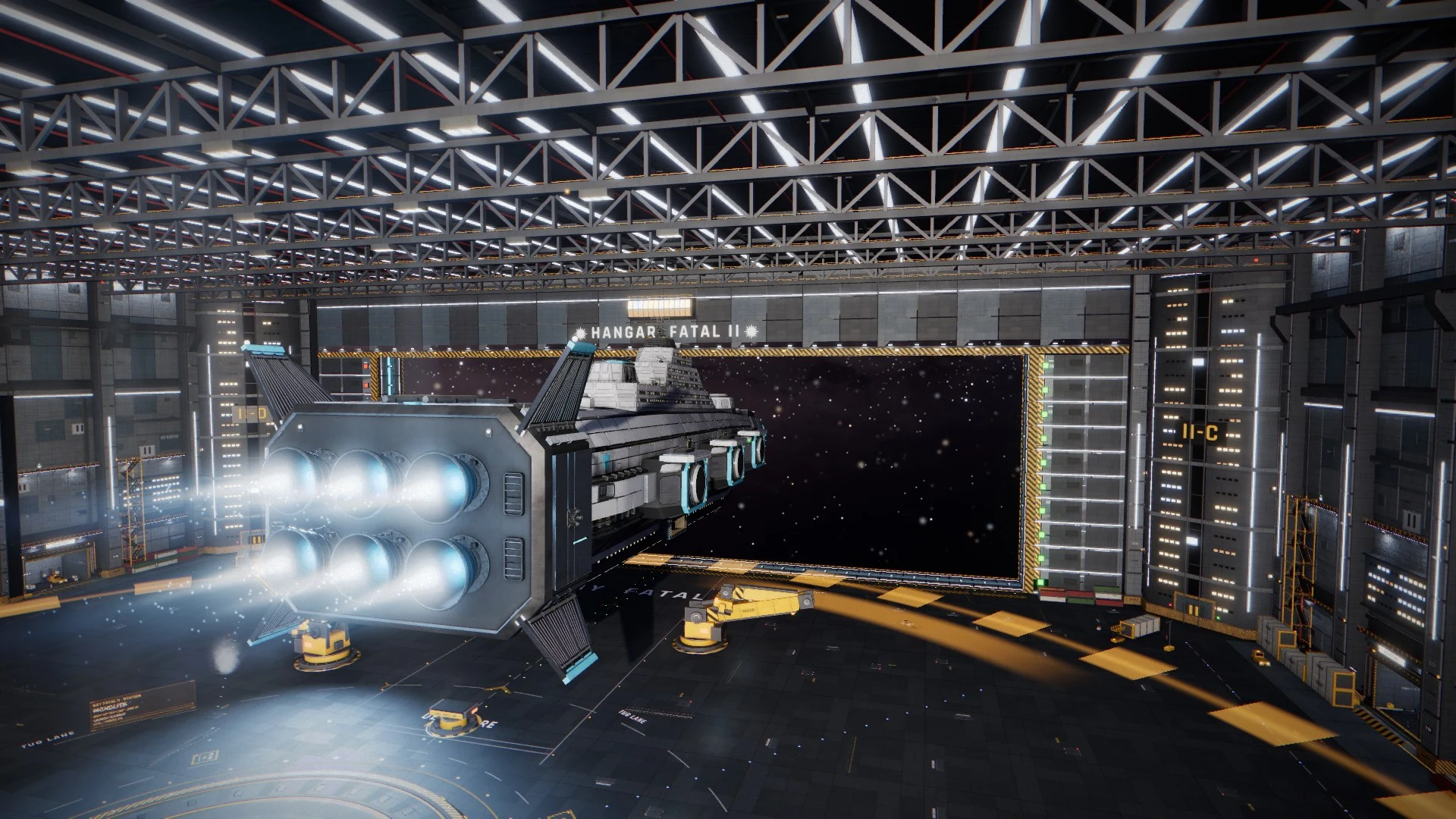
- Undock camera for big ships. Huge hulls such as the Monolith now leave the hangar with a camera that swings onto a chase view sized to the ship, stays inside the room and clear of the hull. The biggest ships leave a little slower.
- Monolith. The Monolith has a rebuilt superstructure: stepped deckhouses with framed windows, a wraparound glass bridge, a funnel rising out of the roof and a reseated main drive.
- Mass Driver L at Gunnery 50. The Mass Driver L now needs Gunnery 50 instead of 55, so the Ironclad's default fit works for its minimum pilot.
- Faster boss loot. The loot card opens at once, buttons work immediately and claiming is quicker. Docked and offline pilots receive their loot at once, and raid pay is faster.
- Galaxy map zoom. Zooming into a planet or moon on the map shows a whole-world preview right away, then fills in detail, instead of a blank map. The map also runs lighter in the background.
- Smoother jumps and warps. The freezes while a jump or warp starts and ends are gone, and background game tabs use less of your computer.
- Clearer Insurance results. The loss notice, the settle toast, the death line, the loss card and the claim list now say whether a replacement ship is coming or credits were paid instead, with the amounts. The buy flow explains it in one line, and cover lists show credits per line. The rules are unchanged.
- Ship renaming. An empty name puts the hull name back, a name that is too long is refused with a message instead of being cut, and the new name shows at once in the Ships window, Fitting, ship cargo and the hangar hologram.
- Faster server. The game server does less background work, so busy hours feel quicker.
Fixes
- Ships window. "Couldn't load your ships." is fixed. The window loads reliably, says why when a load fails and offers Retry.
- Divided Fire groups. Groups A and B work again when a large turret is offline for a missing skill: the groups follow the guns that are online, and a group you set by hand sticks.
- Launcher group letters. The weapon tray shows every launcher's group, A included, and the launcher menu marks A as chosen.
- XP popups. XP popups show the amount you just gained, not the running total of the whole fight.
- Firefox. Stutter caused by reading the screen back on Firefox is fixed.
- One tab per pilot. A second tab for the same pilot now gets a notice instead of fighting the first, hidden tabs use less, and reconnects after a network drop are calmer, with no toast for a very short one.
- Tellurion plates. The purple streaks on the Tellurion's plates are gone.
- Planet rocks. Mushroom-shaped rock pieces no longer appear in planet rock fields.
Thank you to every pilot who reported a problem or suggested a change. Questions and feedback are welcome on Discord. The Game Guide is updated for everything above.
New to XETODUS? The Game Guide explains how the game works, chapter by chapter.